If you have signed up for an IPTV service, there is a good chance someone told you to “just use IPTV Smarters Pro.” It is the app almost everyone lands on, and for good reason. But the first time you open it, the login screen asks for things like an Xtream Codes API, a portal URL, and a playlist, and it is easy to feel stuck before you have watched a single channel.
This guide clears that up. You will learn what IPTV Smarters Pro actually is, how to set it up in a few minutes, and the handful of settings that make it run smoothly once it is working.
What IPTV Smarters Pro Actually Is
IPTV Smarters Pro is a player app. It does not sell you channels or content on its own. Think of it as an empty TV that only comes to life once you plug in a subscription from a provider. You bring the login details, the app turns them into a tidy interface with live channels, films, and series. If you want the technical background, the general definition of IPTV explains how it differs from regular broadcast TV.
That distinction matters. When your channels stop working, the problem is almost never the app itself. It is usually the subscription behind it or your internet. The app is just the window you watch through. If you are brand new to all this, start with our simple explainer on what IPTV is.
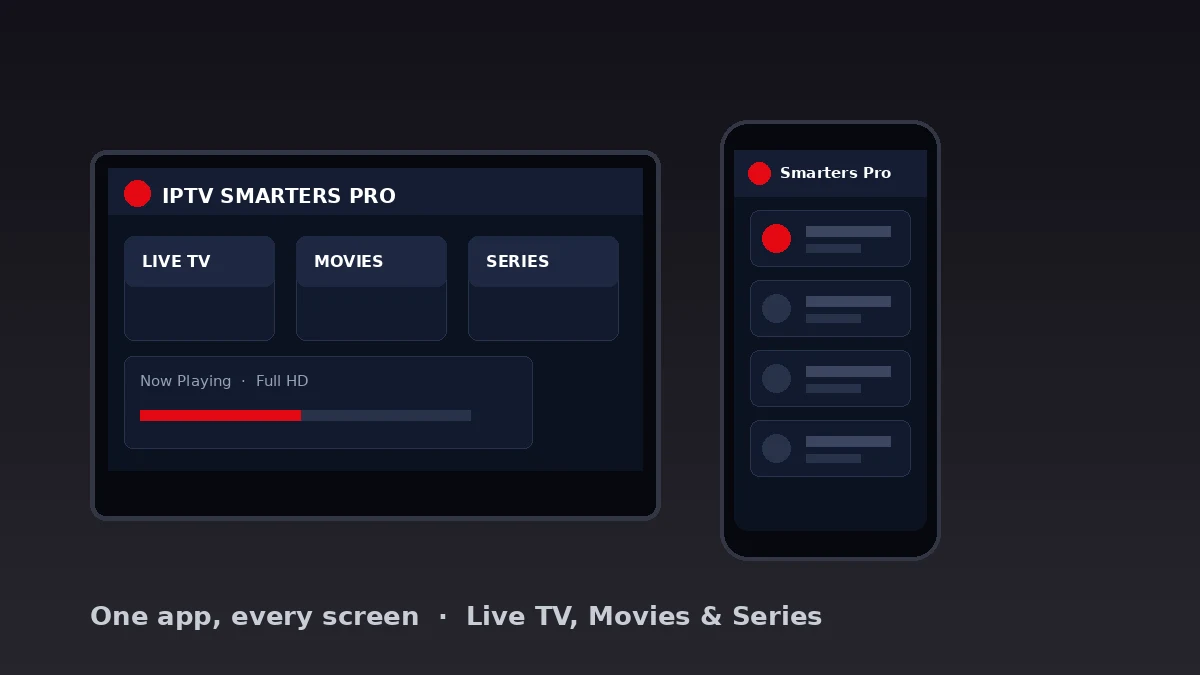
The reason it became the default choice is simple. It is free, it looks clean, and it runs on nearly everything. So instead of learning a different app for every device in the house, you learn one.
Which Devices It Works On
Part of the appeal of IPTV Smarters Pro is how far it reaches. You can install it on most screens you already own without buying anything new.
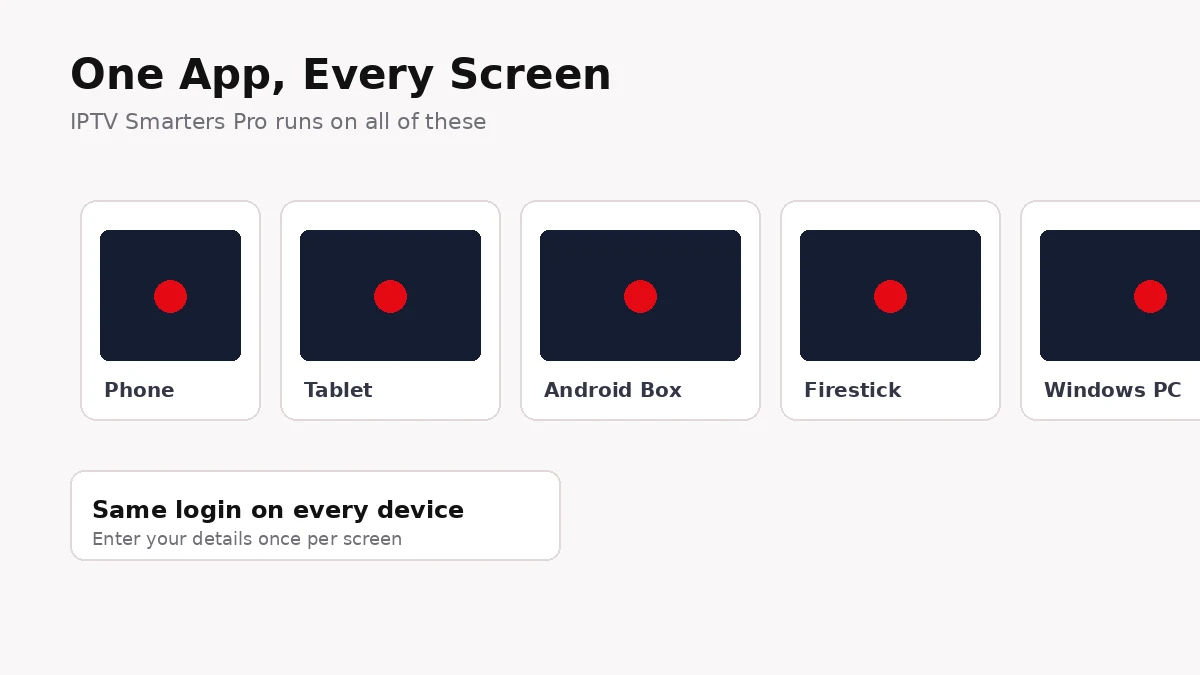
- Android phones and tablets. The most common setup, installed straight from the app store.
- iPhone and iPad. Available on iOS, with the same layout as the Android version.
- Android TV boxes and sticks. Popular for the living room, since the interface scales nicely to a big screen.
- Fire TV and Firestick. Installable with a little help, since it is not always in the main store.
- Windows PC and laptops. A desktop version exists for watching on a larger monitor.
One account usually works across several of these at once, depending on how many connections your plan allows. That means the same login on your phone and your TV. If you are still choosing hardware, our guide to the best devices for IPTV is worth a look.
How IPTV Smarters Pro Compares to Other Players
Smarters Pro is not the only player out there, and it helps to know where it sits. Each app has a slightly different strength, and the right one depends on your device and how fussy you are about the TV guide.
| Player | Best on | Strength |
|---|---|---|
| IPTV Smarters Pro | Phone, tablet, box | Works everywhere, clean layout |
| TiViMate | Android TV boxes | Best-looking TV guide |
| IBO Player | Smart TVs | No typing, code-based setup |
| Duplex Play | Samsung and LG TVs | Built into many smart TVs |
For most people on a phone or an Android box, IPTV Smarters Pro is the easiest starting point. If you later move to a dedicated TV box and want a richer guide, you can add a second player without losing your subscription. The login details stay the same.
Setting Up IPTV Smarters Pro Step by Step
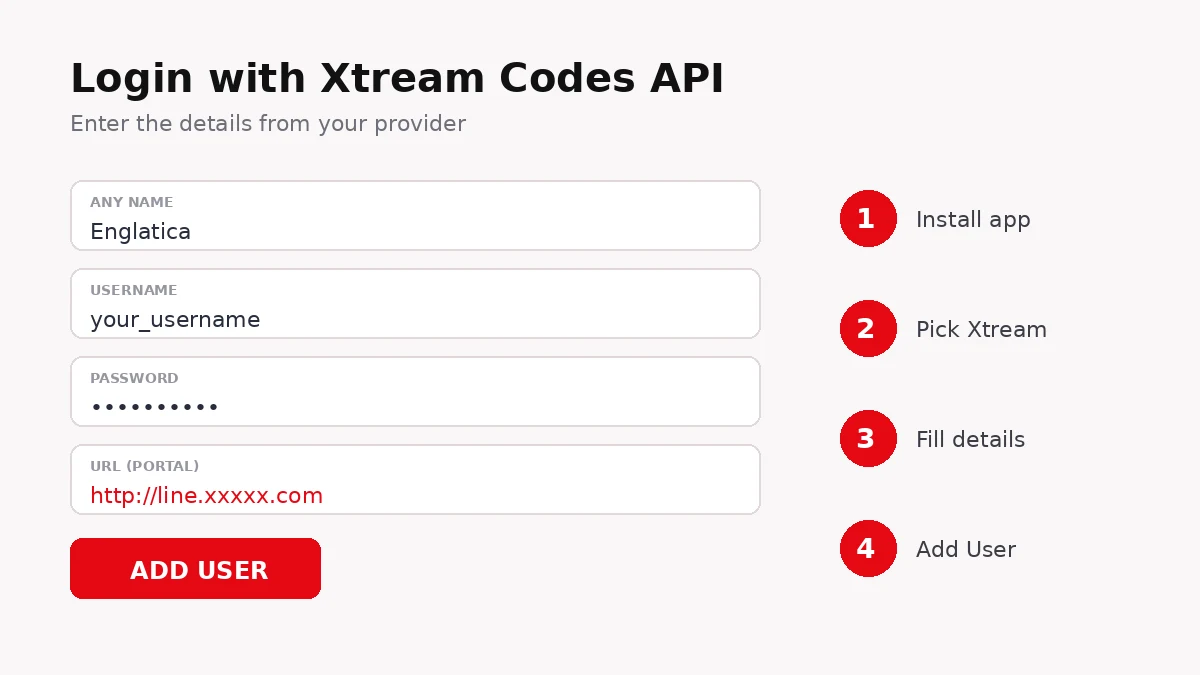
Here is the part that trips people up, made simple. Before you start, have your login details ready. Your provider sends these to you, usually as an Xtream Codes set (a username, a password, and a URL) or as a single M3U link.
- Install and open the app. Download IPTV Smarters Pro on your device and open it. Accept the terms when prompted.
- Choose “Login with Xtream Codes API.” This is the recommended option. It gives you a proper TV guide, plus separate tabs for live channels, movies, and series.
- Enter your details. Type any name you like (so you recognise the account), then the username, password, and URL your provider sent. Copy them exactly, with no extra spaces.
- Tap Add User. The app loads your content in a few seconds. If you have an M3U link instead, choose “Load Your Playlist or File URL” and paste it there.
Not sure which login details to use? Test everything on a free trial first.
Start a Free TrialFeatures Worth Knowing
Once it is running, IPTV Smarters Pro has a few tools that make daily watching easier. You do not need all of them, but knowing they exist helps.
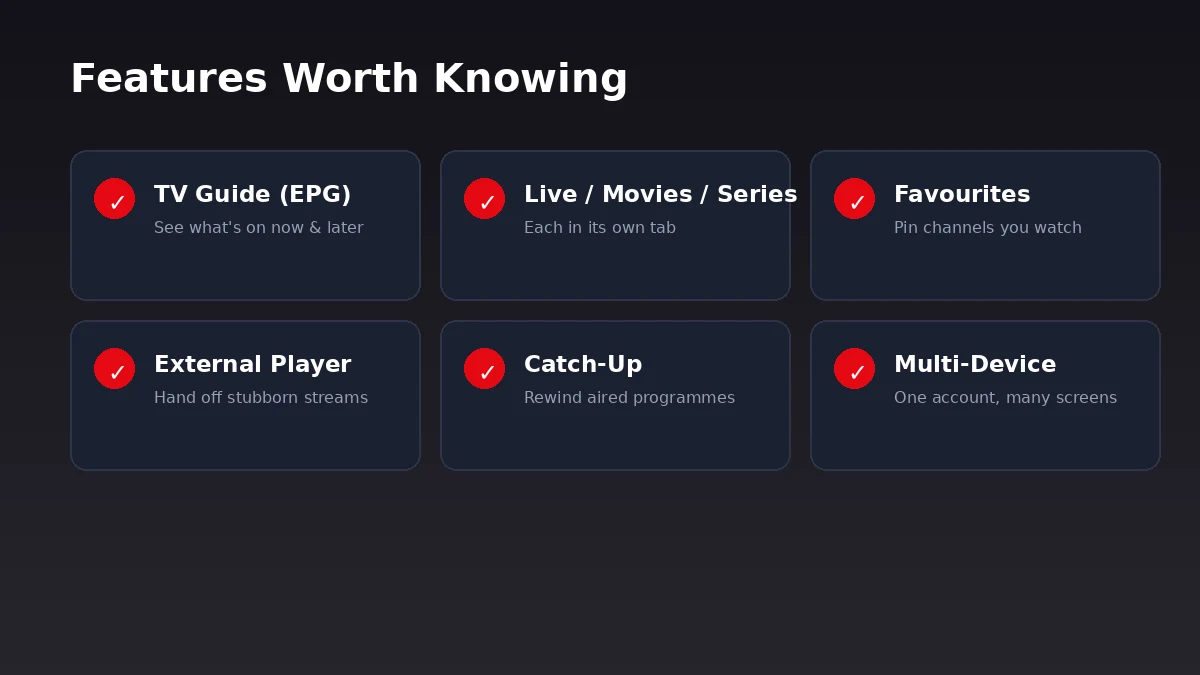
- Built-in TV guide (EPG). When you log in with Xtream Codes, you get an electronic program guide showing what is on now and later.
- Separate tabs for content. Live channels, movies, and series each sit in their own section, so nothing feels buried.
- Favourites. Pin the channels you actually watch so you are not scrolling past hundreds you never open.
- External player support. If a stream is stubborn, you can hand it off to another player app installed on the same device.
- Catch-up, where supported. Some subscriptions let you rewind to programmes that already aired.
The interface stays the same across devices, so once you have learned it on your phone, your TV feels familiar straight away.
Fixing the Common Problems
Most issues with IPTV Smarters Pro come down to three things, and all three are quick to check.
Nothing loads after login. Double-check the username, password, and URL for typos, since one wrong character stops everything. Confirm your subscription is active with your provider.
Channels buffer or freeze. This is almost always your connection, not the app. A wired connection is steadier than Wi-Fi, and 4K streams need a stable speed to hold up during busy evenings.
The app asks you to log in again. Re-enter your details carefully. If it keeps happening, your line may need refreshing, which your provider can do quickly.
Streams should just work. If yours don’t, a good provider fixes it fast.
Get a Free TrialGuide problems inside Smarters have their own checklist in our Firestick EPG setup and troubleshooting guide.
Common Questions About IPTV Smarters Pro
Is IPTV Smarters Pro free?
Yes, the app is free to download and use. What you pay for is the subscription that supplies the channels. The app on its own shows nothing until you add a login.
Xtream Codes or M3U — which should I use?
Xtream Codes is the better choice. It gives you the full TV guide and neatly separated tabs. M3U works too, but the layout is more basic.
Why does it keep buffering?
Buffering is nearly always your internet, not the app. Try a wired connection, move closer to the router, or check your speed during peak hours.
Can I use one account on my phone and TV?
Usually yes, as long as your plan allows more than one connection at a time. Enter the same login on each device.
The app shows no channels. What now?
Check your login for typos and confirm your subscription is active. If both are fine, ask your provider to refresh your line.
IPTV Smarters Pro earns its popularity by being simple once you get past the first screen. Add your login with Xtream Codes, pin your favourites, and it fades into the background the way a good app should. If a stream ever misbehaves, start with your connection and your login before blaming the player.