Picking the right hardware makes more difference than most people realise. The best devices for IPTV give you smooth playback, fast menus, and a picture that holds up in 4K, while a weak one turns every evening into a buffering contest. I have tried a lot of them over the years, and the gap between good and bad is wider than the price tags suggest.
So which should you actually buy? This guide breaks down the best devices for IPTV in 2026, what separates a great one from a frustrating one, and how to match the hardware to the way you watch.
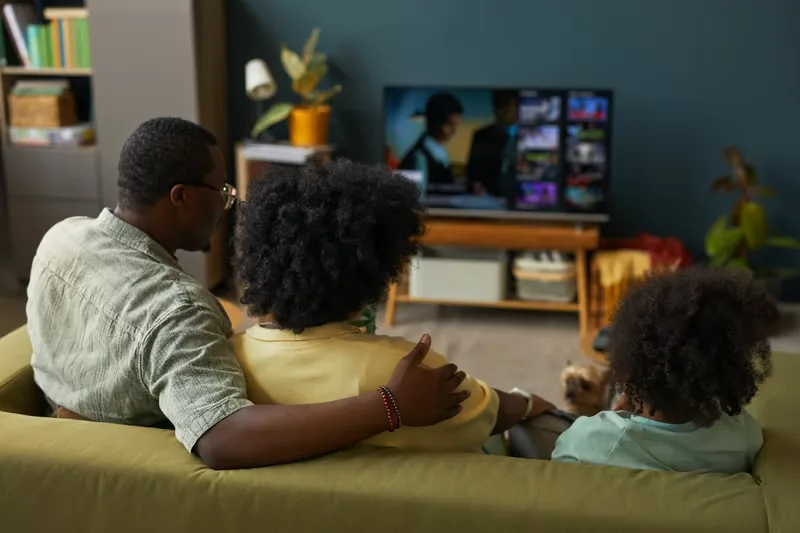
Quick Answer: The best devices for IPTV in 2026 are a good streaming stick or box for most people, a Smart TV if you would rather not add hardware, and your phone or tablet for watching on the move. Look for 4K support, at least 2GB of RAM, and a fast processor so menus and channels load without lag.
What makes a device good for IPTV
Before naming categories, it helps to know what you are actually paying for. The best devices for IPTV share a few traits, and they matter far more than brand names or flashy boxes.
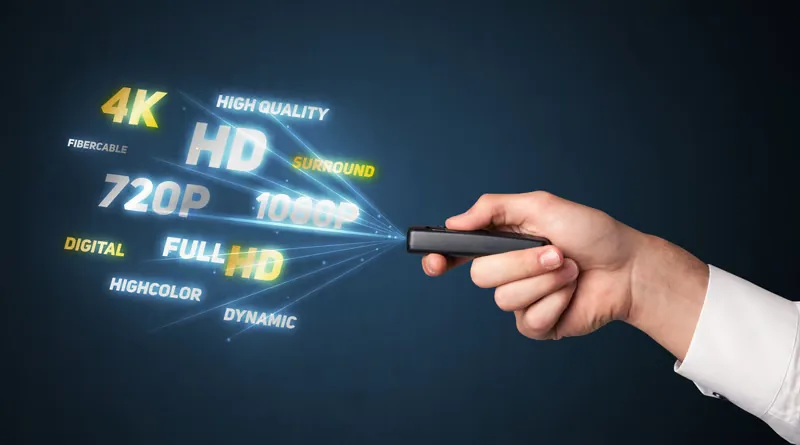
Speed is the big one. A slow chip means menus that crawl and channels that take an age to load, which gets old fast. After that comes video support, then enough memory to keep the app running smoothly night after night.
- A fast processor so menus and channels respond instantly
- 4K resolution and HDR support for a sharp, modern picture
- At least 2GB of RAM to keep the app stable
- Reliable Wi-Fi, or better still an Ethernet port
- An app store that carries the player you want to use
Streaming sticks and boxes
For most people, a streaming stick or box is the sweet spot. They are cheap, small enough to hide behind the TV, and powerful enough for smooth 4K. This is where the best devices for IPTV usually sit for value.
A stick plugs straight into an HDMI port and disappears behind the screen. A box sits on the shelf and tends to offer more power, more storage, and an Ethernet port for a rock-solid wired connection. If you watch a lot of live sport, the box and its wired connection are worth the few extra pounds.
- Cheap to buy and easy to set up in minutes
- Turn any old TV with an HDMI port into a smart one
- Boxes add Ethernet and more storage for heavy use
- Easy to move from one room or house to another
Smart TVs
If your television already runs apps, you may not need to buy anything at all. A modern Smart TV is one of the most convenient devices for IPTV because everything lives in one screen, with no extra remote to lose.
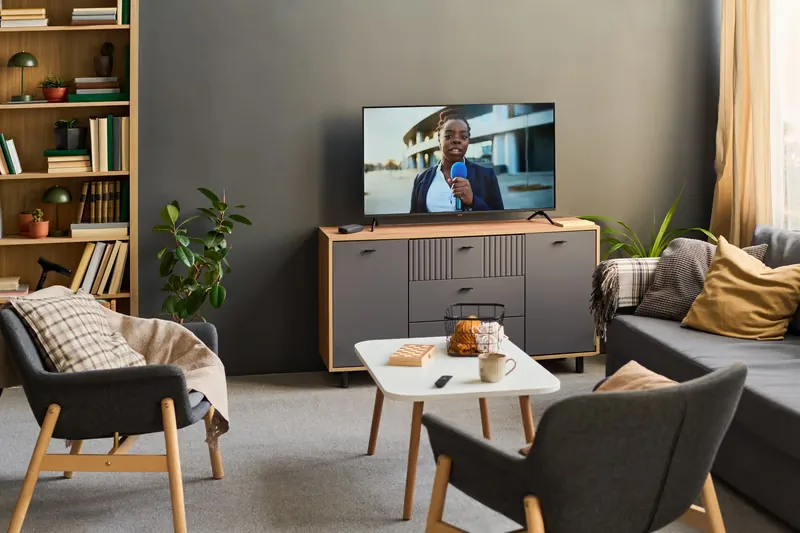
The catch is that older or cheaper Smart TVs can feel sluggish after a couple of years, and their app stores do not always carry every player. If yours still feels quick and has the app you want, it is hard to beat for simplicity. If it has started to lag, a cheap stick breathes new life into it.
Phones, tablets and computers
Not every screen is in the living room. Phones, tablets, and laptops round out the best devices for IPTV because they let you keep watching in the kitchen, in bed, or away from home entirely.
A tablet is brilliant for travel and makes a great second screen when the main TV is taken. A laptop works through a browser or an app with no setup at all. Neither replaces the big screen, but they are the reason a single subscription can follow you everywhere.
- Phones for quick viewing and watching on the move
- Tablets as a portable second screen around the house
- Laptops and computers through a browser or app
How to pick the best device for IPTV
The right choice comes down to how and where you watch. Here is a simple way to match the best devices for IPTV to your situation without overthinking it.
| If you… | Best device |
|---|---|
| Want the best value | A 4K streaming stick or box |
| Have a recent Smart TV | Use the TV’s built-in apps |
| Watch a lot of live sport | A box with an Ethernet port |
| Watch on the move | Your phone or a tablet |
| Have an old, slow TV | Add a cheap streaming stick |
Once your hardware is sorted, setup takes only a few minutes. Our guide on how to setup IPTV walks you through it on any of these devices.
Do I need an expensive device for IPTV?
No. A mid-range streaming stick handles 4K playback just as well as a premium box for most people. Spend more only if you want extra storage, an Ethernet port, or top-end gaming features. For watching channels, the cheaper option is usually plenty.
Can I use more than one device on the same subscription?
Often yes, depending on your plan. Many subscriptions allow a couple of screens at once, so the TV can show sport while a tablet plays a film in another room. Check how many connections your plan includes before setting it up everywhere.
Are Smart TVs good enough on their own?
A recent one, yes. If your Smart TV still feels fast and has the app you want, it is one of the best devices for IPTV simply because it keeps everything in one place. Older sets that have started to lag do better with a cheap stick added.
Common mistakes to avoid when choosing
Knowing the best devices for IPTV is only half of it. Plenty of people pick the right category and still end up frustrated because of a small detail they overlooked. These are the slip-ups worth dodging.
- Buying the cheapest box with only 1GB of RAM, which struggles within months
- Ignoring the connection type when the device sits far from the router
- Assuming every Smart TV carries every player app, which is not always true
- Overspending on a premium device when a mid-range one does the same job
Avoid those four and you are most of the way to a setup that just works. The hardware should fade into the background so you can forget about it and watch.
Will your device still be good next year?
It is fair to wonder whether today’s pick will last. The good news is that the best devices for IPTV tend to stay capable for several years, because the demands of streaming change slowly. A 4K device bought now will still play 4K comfortably for a long while.
Where devices age is in speed, not picture. A processor that feels snappy today may feel a little tired in three or four years as apps grow heavier. When that day comes, a cheap stick refreshes the experience without replacing the whole television. That is why I lean towards spending modestly and upgrading the small box rather than the big screen.
Final thoughts on the best devices for IPTV
You do not need to spend a fortune to watch well. For most homes, a 4K streaming stick or a recent Smart TV covers everything, with a phone or tablet filling the gaps. Match the device to how you watch, keep your connection stable, and the picture takes care of itself.
To get the sharpest picture from those devices, it helps to understand how IPTV 4K works and what your setup needs to support it.
Sorting out the cables side? The HDMI IPTV guide shows how to wire any box to any TV in minutes.
Already leaning toward Amazon’s streamer? This Firestick with IPTV walkthrough covers installation, player selection, Wi-Fi tuning, and the fixes to try when live TV stalls.
Got your device ready? Start watching today
Start Your Free Trial