A Firestick with IPTV turns a regular television into a compact live-TV setup. You need a Fire TV device, a legitimate IPTV subscription, a compatible player, and a stable internet connection. Install the player, add the login supplied by your provider, then test a live channel before changing any advanced settings.
The hard part is choosing a player and tracing freezes. This guide handles both in order.
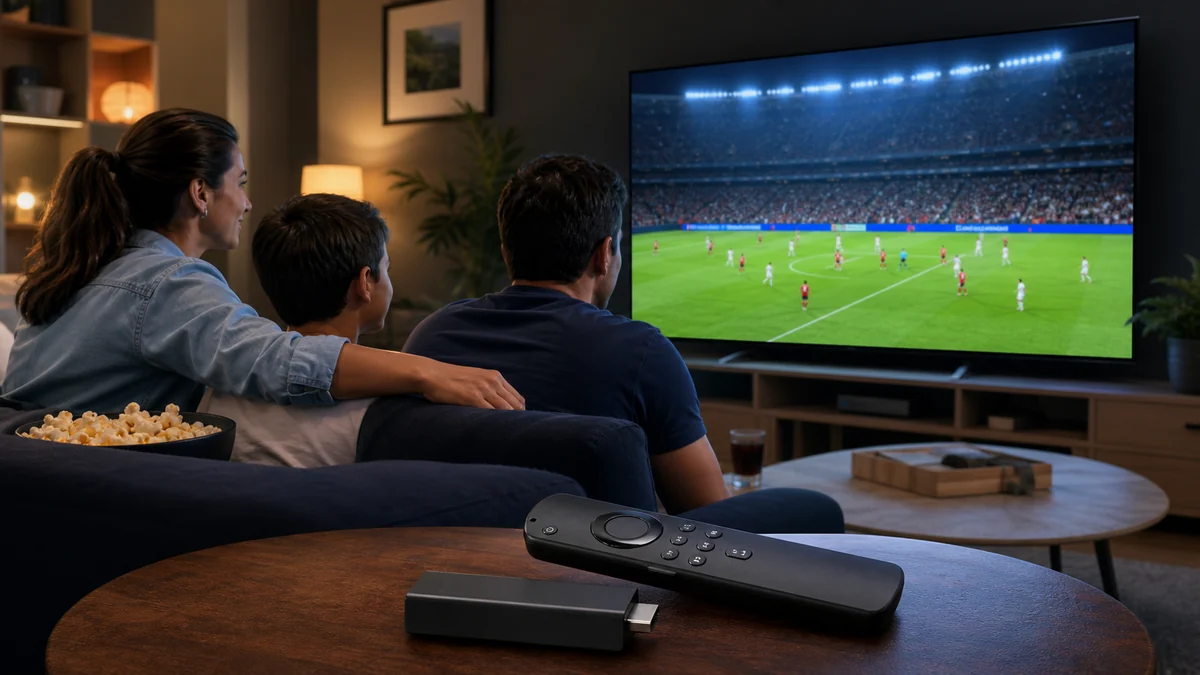
Quick Answer: A Firestick with IPTV needs a compatible player from the Amazon Appstore when available, plus the M3U or Xtream login supplied by your provider. Open one live channel, keep the stick updated, use strong Wi-Fi or Ethernet, and only sideload apps from the developer’s official source.
What Do You Need to Use a Firestick With IPTV?
You need four things: a Fire TV Stick connected to an HDMI port, reliable broadband, an IPTV player, and active credentials from a legitimate provider. The player is only the viewing app; it does not include channels. Your provider supplies the playlist URL or the server, username, and password used to load content.
- A Fire TV Stick with its original power adapter
- A television with a working HDMI input
- An IPTV player compatible with your Fire OS version
- M3U or Xtream credentials from your provider
- Enough free storage for the player and its cache
Use the original power adapter. If the stick is already slow, remove unused apps and restart it. See the best IPTV devices before replacing it.
Which IPTV Player Works Best on Firestick?
For a Firestick with IPTV, the best player supports your provider’s login format and stays responsive on your model. IPTV Smarters Pro is approachable for beginners, TiviMate suits viewers who want a traditional channel guide, and Kodi offers more control but takes longer to configure. Availability varies by country and Fire OS version.
| Player type | Best fit | Trade-off |
|---|---|---|
| IPTV Smarters Pro | First-time setup | Simple layout, fewer guide controls |
| TiviMate | Live-TV and EPG users | Some features require its paid tier |
| Kodi with a PVR add-on | People who like customisation | More menus and maintenance |
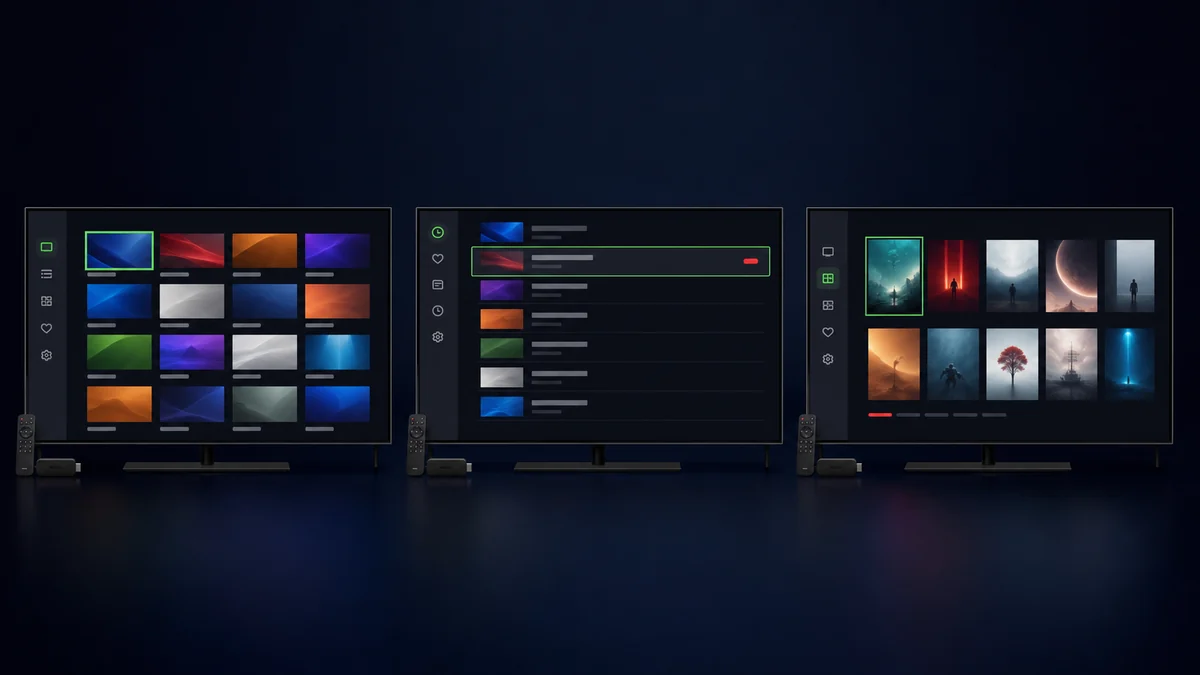
Don’t turn player choice into a weekend project. Start with one. The IPTV Smarters Pro guide covers login errors.
How Do You Set Up a Firestick With IPTV?
Set up a Firestick with IPTV through the Amazon Appstore first: install your chosen player and enter the supplied credentials exactly. If the app is unavailable there, sideload only the APK published by its official developer. Amazon calls installation outside its Appstore “sideloading” and documents it as a developer workflow.
- Connect and updateCheck for Fire TV updates, then restart.
- Install one playerUse the Appstore first and avoid random APK mirrors.
- Choose the login typeSelect M3U or Xtream according to your provider’s details.
- Enter the credentialsType the server, username, and password without extra spaces.
- Load the playlistKeep the app open while channels and the guide download.
- Test one channelConfirm video and sound before changing the decoder.
- Restart onceA clean restart catches startup problems early.
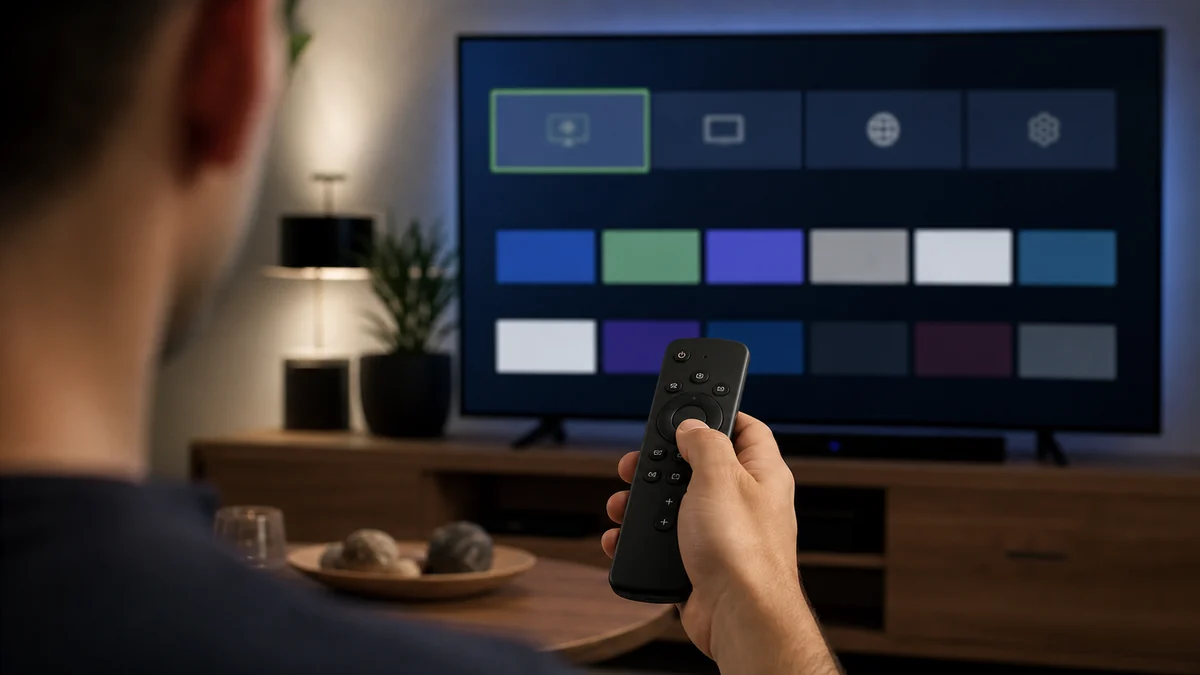
If Developer Options is hidden on a compatible version, Amazon’s Fire TV documentation says selecting the device name seven times under Settings → My Fire TV → About may reveal it. Menu names differ by model. Also see how to set up IPTV on any device.
How Should You Configure Playback and Wi-Fi?
For a Firestick with IPTV, leave the default decoder in place, give the stick a strong network signal, and close unused apps. Change one setting only after a repeatable problem appears. A fast internet plan cannot compensate for weak Wi-Fi behind a television or an overloaded home router.
- Use 5 GHz near the router; try 2.4 GHz through several walls
- Try Ethernet when wireless strength changes constantly
- Match refresh rate only when the picture judders
- Keep storage free for the guide and app cache
My rule: reproduce the fault twice, change one thing, then test the same channel. Changing the decoder, VPN, DNS, and router together hides the cause.
Why Does IPTV Buffer on Firestick?
When a Firestick with IPTV buffers, the cause is usually weak Wi-Fi, a busy home network, limited device resources, or an overloaded stream. Restart the player and router, test another channel, then compare another device on the same connection. That order separates a local problem from a provider-side one.
| What you see | Likely cause | First test |
|---|---|---|
| Every app is slow | Home network or Firestick | Restart both and run a connection test |
| One channel freezes | That specific stream | Open two unrelated live channels |
| Only peak-time sport freezes | Congestion or provider load | Compare the same event on another device |
| Menus lag after long use | Low storage or app cache | Clear cache and remove unused apps |
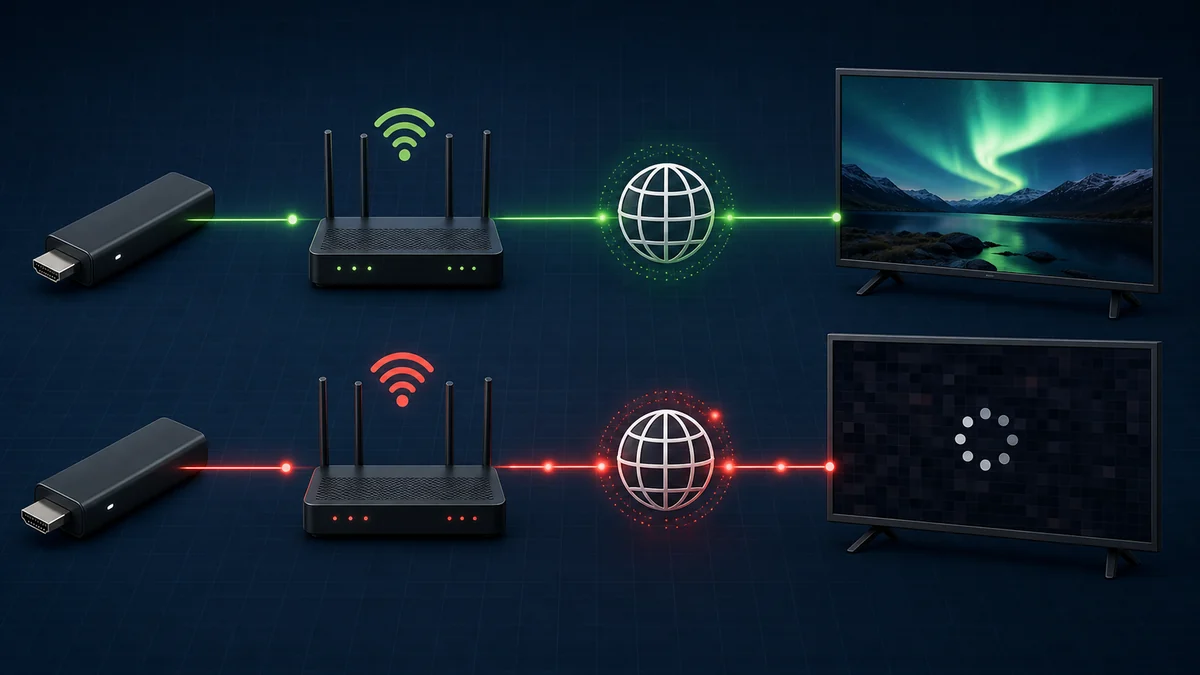
A VPN is not the first fix; it can reduce speed. Use one for a clear privacy or routing reason after testing without it. The live-football buffering checklist gives the full symptom-by-symptom order.
Is Using IPTV on Firestick Legal and Safe?
Using a Firestick with IPTV is legal when the service has permission to distribute its channels and programmes. The device and delivery technology are legal; the source determines the risk. Use licensed services, read the provider’s terms, and avoid suspiciously cheap offers with no company details or rights information.
IPTV describes television delivered over internet protocol; the label does not make a stream lawful. UK regulator Ofcom explains how IPTV reaches viewers and why regulatory coverage differs. For device safety, use the Appstore or the developer’s official site and review permissions.
Firestick With IPTV: Frequently Asked Questions
A Firestick with IPTV usually fails at one of four points: player compatibility, credentials, network quality, or the provider’s stream. The answers below cover the decisions people face after installation. If a fix changes nothing, return the player to its default settings before starting the next test.
Can I get IPTV directly from the Amazon Appstore?
You can download some IPTV player apps from the Amazon Appstore, but the player normally does not include a television subscription. You still need legal M3U or Xtream credentials from a provider. App availability differs by country, device generation, and Fire OS version, so search the store on your own Firestick first.
Why is Developer Options missing on my Firestick?
On some Fire TV software versions, the menu is hidden until you open Settings → My Fire TV → About and select the device name seven times. Amazon documents this behaviour for compatible versions. Fire OS 14 handles some developer features differently, so follow the menus shown on your device rather than an old screenshot.
Should I use M3U or Xtream Codes on Firestick?
Use the format your provider supports. Xtream credentials separate the server URL, username, and password and often load live TV, films, and the EPG neatly. M3U uses one playlist URL and is widely compatible. Neither format improves stream quality by itself; it only tells the player where to fetch your authorised content.
How do I clear an IPTV app’s cache on Firestick?
Open Settings → Applications → Manage Installed Applications, select the player, then choose Clear Cache. Avoid Clear Data unless you are ready to enter the login again, because it can reset the app completely. Clear the cache when menus or guide artwork become sluggish, not as a daily routine.
Can one IPTV subscription work on two Firesticks?
Only if the provider allows multiple simultaneous connections. Installing the player on two devices is easy, but opening both streams at once may trigger a connection limit. Check the plan before buying a second Firestick. If multi-room viewing matters, test both devices together during the provider’s trial period.
Is a Firestick With IPTV Worth Using?
A Firestick with IPTV makes sense when you want a small setup with a television-friendly remote. Its limits are storage, Wi-Fi placement, and the provider behind the player. Install one trusted app, keep the configuration simple, and judge performance on the channels you actually watch.
A short Firestick with IPTV trial at peak time reveals more than a feature list. Before buying a long plan, see how to test an IPTV trial on your own device. That test says more than a channel-count claim.
Once the channels play, the next job is the guide: our walkthrough on IPTV EPG setup on Firestick covers the XMLTV link, the time zone trap and the blank-guide fixes.
Test the streams on your own Firestick before you subscribe
Start Your Free Trial