If you have ever bought an IPTV plan and then stared at three fields you did not understand, you have met the Xtream Codes login. The provider hands you a username, a password, and a server URL, and somehow that is supposed to become live TV. It does, once you know what those fields mean. This guide walks through what Xtream Codes daily details are, why people search for them every single day, and how to plug them into an app the right way.
I will be honest about one thing up front: there is no magic list of free working logins that stays alive. Those “free daily” dumps you see floating around break within hours and usually come with risks attached. What actually lasts is understanding the system, so let us start there.
- What Xtream Codes Daily Actually Means
- Why People Search Xtream Codes Daily
- How to Enter Xtream Codes Daily Logins Correctly
- The Free Daily Login Trap
- Keeping Your Login Working Long Term
- Xtream Codes Daily vs One-Time Setup: Clearing the Confusion
- Best Apps That Accept Xtream Codes Daily Logins
- Common Xtream Codes Errors and How to Read Them
- The Xtream Codes Daily Login in Three Steps
- Frequently Asked Questions About Xtream Codes Daily
What Xtream Codes Daily Actually Means
Xtream Codes was originally a panel software that providers used to manage IPTV subscriptions. The name stuck around as a login format even after the original company shut down. So when someone talks about Xtream Codes daily, they usually mean one of two things.
The first is people hunting for fresh free credentials posted online each day. The second, and the one that matters if you actually want stable streaming, is the daily-use login your provider gives you when you subscribe. That login does not expire daily. It lasts as long as your plan does.
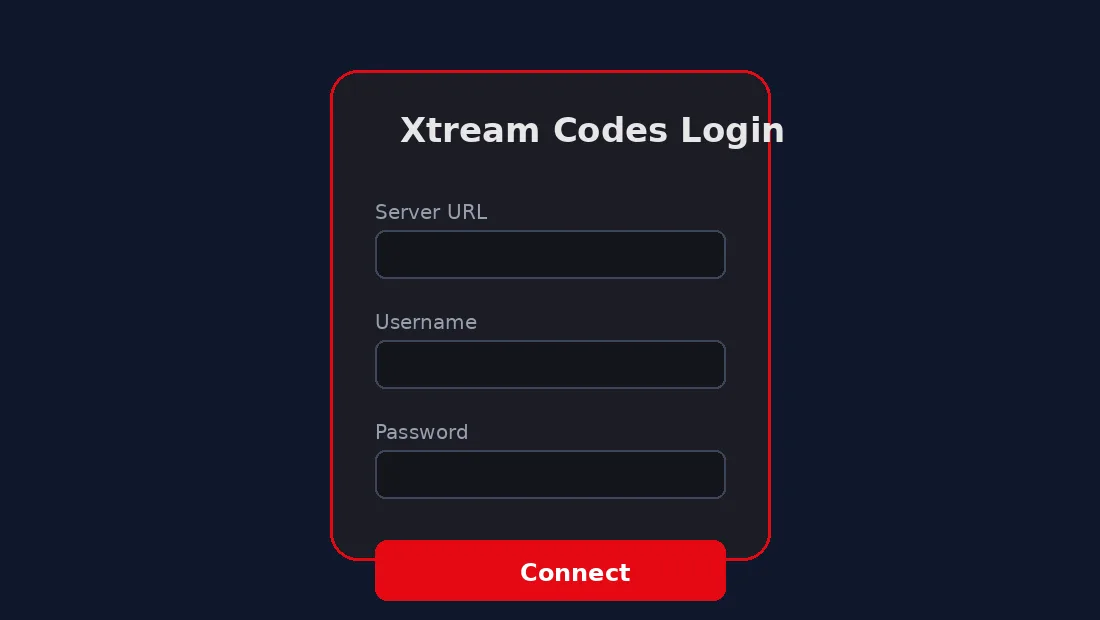
The three pieces you always need
- Server URL (host): something like http://yourserver.com:8080. This points your app to the right place.
- Username: your account name on that server.
- Password: the key that pairs with the username.
That is the whole puzzle. No app can connect without all three, and a typo in any one of them returns the same useless error.
Why People Search Xtream Codes Daily
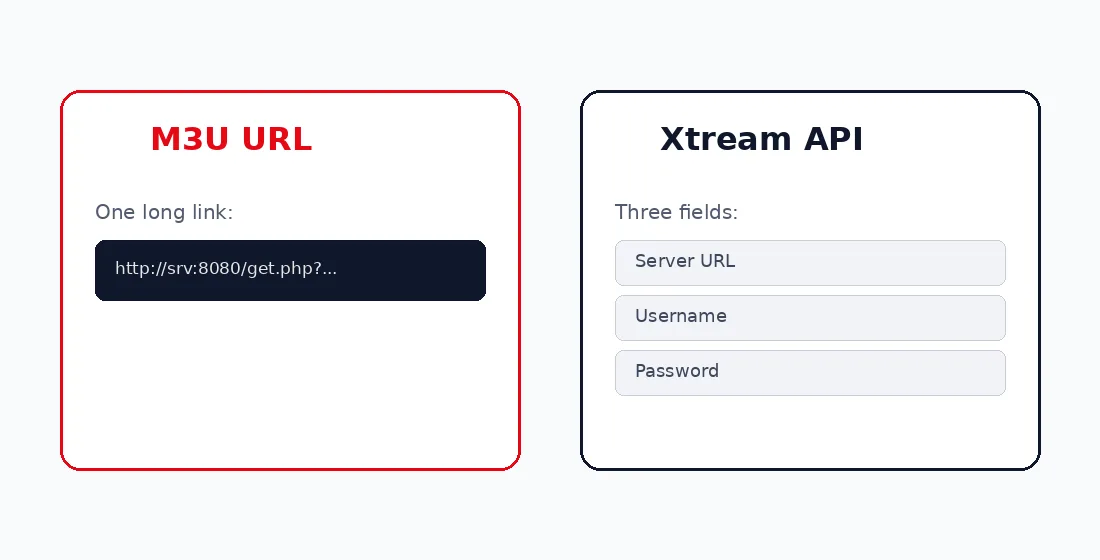
Search volume for this term is steady because the format confuses newcomers. Someone buys a plan, gets an M3U link or a set of Xtream Codes, and has no idea which app accepts which. So they search, find conflicting advice, and end up looking for shortcuts instead.
Here is what I have seen trip people up most often:
| The problem | What is really going on |
|---|---|
| “My login worked yesterday, dead today” | You were on a shared free account, not your own plan |
| “Wrong username or password” | Usually a copied space at the start or end of the field |
| “Connects but no channels load” | Server is overloaded or the URL port is wrong |
| “App will not accept my M3U” | You pasted Xtream Codes into an M3U field, or vice versa |
None of these need a daily new login. They need the right details entered cleanly into the right app. For a full walkthrough of that process, see our step-by-step IPTV setup guide.
How to Enter Xtream Codes Daily Logins Correctly
Most modern IPTV players support the Xtream Codes API directly. The flow is nearly identical across them.
Step by step in any player
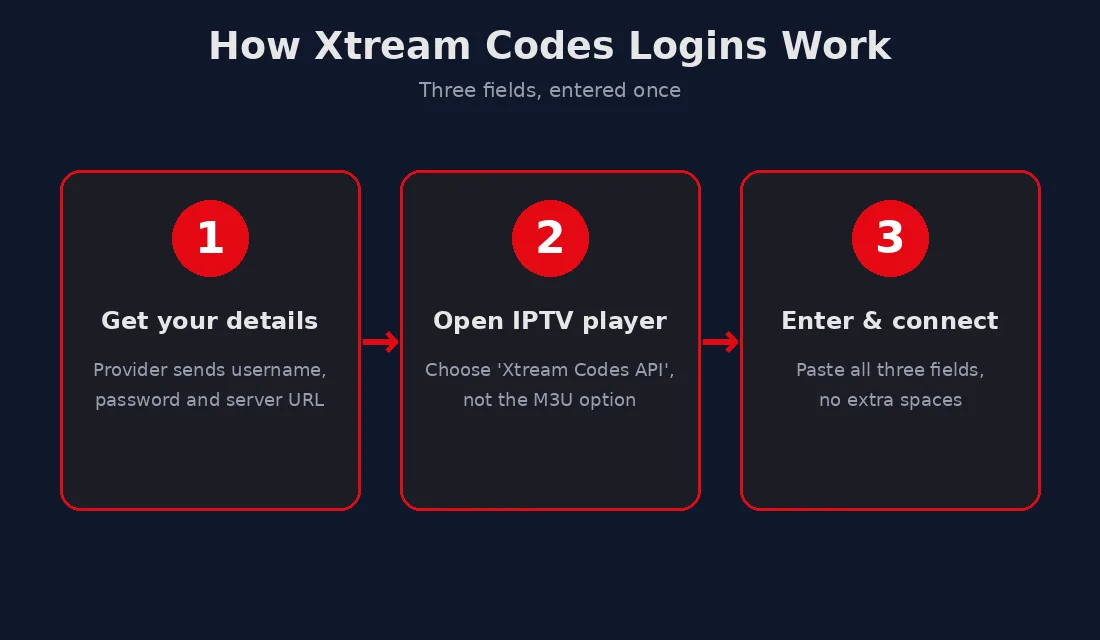
- Open your player and choose Add user or Login with Xtream Codes API, not the M3U option.
- Type a name for the playlist. This is just a label for you.
- Paste the Xtream Codes server URL exactly into your IPTV player app, including the port number after the colon.
- Enter the username and password with no extra spaces.
- Save, then wait while the app pulls your channel list and EPG.
The biggest mistake is copying credentials from a message and dragging in an invisible space. When in doubt, type them by hand. It is slower but it works the first time.
The Free Daily Login Trap
I want to be direct here because this is where people waste the most time. The free Xtream Codes lists shared on forums and Telegram channels are leaked or cracked accounts. They go down constantly, which is exactly why fresh ones get posted daily. You are not getting a service. You are getting someone else’s stolen login until it dies.
Beyond being unreliable, those sources often hide redirects and sketchy downloads. You hand over far more in risk than you save in money. According to consumer guidance from UK regulator Ofcom, unauthorised streaming sources also expose users to malware and data theft far more than legitimate services.
If you want something that simply works when you turn the TV on, a paid plan with a single stable login is the answer. Our guide to choosing an IPTV subscription breaks down what to look for so you do not overpay or get burned.
Keeping Your Login Working Long Term
Once you have a real account entered correctly, there is very little daily maintenance. A few habits keep it smooth:
- Save the credentials somewhere safe so you can re-enter them when you switch devices.
- Do not share them. Most providers cap simultaneous connections, and a shared login gets flagged and locked.
- Restart the app, not the account, when channels freeze. The login is almost never the issue.
- Keep one backup player installed in case your main app updates badly.
That is genuinely it. The term Xtream Codes daily makes it sound like a chore you repeat every morning. With a proper subscription, you set it once and forget the login exists. For picking a provider that stays online, our roundup of the best IPTV services this year is a good place to start.
The Xtream Codes format is not complicated once you stop treating it as a daily hunt and start treating it as a one-time setup. Three fields, entered cleanly, into the right app. Get that right and the only thing you do daily is pick what to watch.
Xtream Codes Daily vs One-Time Setup: Clearing the Confusion
The word daily does a lot of damage to how people understand this format. It makes the whole thing sound like a subscription you renew every morning, like a newspaper. It is not. A legitimate Xtream Codes login is issued once and stays valid for the entire length of your plan, whether that is one month or twelve.
So why does Xtream Codes daily get searched so heavily? Two reasons sit behind almost every search. Some people are chasing free leaked logins that genuinely do die within a day. Others simply do not realise their paid login is permanent and assume they need a new one each session. Both groups end up typing the same phrase into Google.
What a real provider gives you
When you pay for a proper IPTV plan, the provider creates an account tied to your email or order. That account carries a fixed username, a fixed password, and a host URL that rarely changes. You enter it once into your player and it keeps working until renewal day. No daily refresh, no morning ritual.
Compare that to the free dumps. Those are usually one master account being shared across hundreds of strangers. The provider notices the abuse, disables it, and the list owner posts a fresh batch the next day. That cycle is the only reason the word daily ever attached itself to Xtream Codes.
| Feature | Free daily login | Paid Xtream Codes login |
|---|---|---|
| Lifespan | Hours, sometimes minutes | Full subscription period |
| Stability | Buffers, freezes, dies | Consistent if server is good |
| Safety | Malware and redirect risk | No third-party exposure |
| Channel count | Random, often broken | Full advertised lineup |
| Support | None | Provider help available |
Best Apps That Accept Xtream Codes Daily Logins
Almost every serious IPTV player on the market reads the Xtream Codes API natively. The login flow barely changes between them, so once you learn one you can use any. Here are the ones worth knowing.
For phones and tablets
Mobile players are the easiest place to start because typing is simple and you can test quickly. Most ask you to choose between an M3U playlist and a login API. Pick the API option, paste your three fields, and let it load. If the channel list appears, your login is fine and you can move it to the TV with confidence.
For Smart TVs and streaming boxes
On a TV the typing is the annoying part, since a remote turns a thirty-second job into five minutes. A useful trick is to set the account up in an IPTV player app on your phone first, confirm it works, then recreate it on the TV. That way you never debug a typo on a slow on-screen keyboard. Our guide to the best IPTV devices covers which boxes handle this most smoothly.
Common Xtream Codes Errors and How to Read Them
When a login fails, the error message usually tells you exactly what is wrong, if you know how to read it. Here is how I decode the most frequent ones.
- Invalid username or password: nine times out of ten this is a stray space copied with the text. Retype both fields by hand.
- Connection timed out: the server URL or port is wrong, or the server itself is down. Double-check the part after the colon.
- No data / empty list: the login is valid but the account has expired or hit its connection limit. Contact the provider.
- Stream not available: individual channel is down, not your whole account. Try another channel before assuming the worst.
Notice that none of these are fixed by hunting for a new daily login. They are fixed by checking your details or talking to your provider. Treating the symptom by grabbing a fresh free account just resets the same problems a day later.
The Xtream Codes Daily Login in Three Steps
If you prefer a visual, the diagram below sums up the entire process. Three fields, entered once into the right player, and you are done.
Frequently Asked Questions About Xtream Codes Daily
Do I need a new Xtream Codes login every day?
No. A paid login lasts your whole subscription. Only leaked free accounts die daily, which is the real source of the daily confusion.
Where do I get my Xtream Codes details?
Your provider sends them when you subscribe, usually by email or in an account dashboard. They include a username, password, and server URL.
Why does my login say wrong password when it is correct?
Almost always a copied space at the start or end of a field. Delete everything and type the credentials by hand to rule it out.
Is it safe to use free Xtream Codes daily lists?
No. They are leaked accounts that often carry malware and redirects, and they stop working within hours. A cheap paid plan is safer and far less hassle.
Can I use the same login on two devices?
Only if your plan allows multiple connections. Many cap it at one, and sharing beyond that limit can get the account locked.