An IPTV trial is the smartest thing you can do before paying any provider a cent. It lets you watch the actual streams on your own TV, during a real match, and judge quality with your eyes instead of a sales page. If a service will not give you one, that tells you plenty on its own.
I have burned through more of these than I can count, good and bad, so this guide shows what a proper IPTV trial looks like, how to test it like a technician, and how to turn ten free minutes into a decision you will not regret.
Quick Answer: An IPTV trial is a short test period, often 24 to 48 hours, that lets you stream a provider’s live channels before paying. Use it during peak evening hours on a live game, check picture quality and stability, and confirm your devices work. A provider that offers a genuine trial is usually one worth keeping.
What Is an IPTV Trial?
An IPTV trial is a short test period, usually somewhere between 24 and 48 hours, that lets you stream a provider’s real channels before you pay anything. You get temporary login details, load them into a player app, and watch exactly what a paying customer sees, at full quality.
The point is simple: a trial replaces promises with proof. Instead of trusting a channel count on a sales page, you open a live game and watch it hold up, or not. If the underlying idea of streaming TV over the internet is new to you, IPTV simply means television delivered over the internet, and our plain-English explainer on what IPTV is covers the basics in five minutes.
Why Is an IPTV Trial the Best Test You Have?
Because IPTV trial quality only shows itself under load, and no marketing page can fake a smooth Saturday-night match. A trial puts the real streams on your real devices at the exact moment servers are busiest, which is the one condition that separates a good provider from a bad one.
Everything else a provider tells you is a claim. The channel list is a claim, the “4K” label is a claim, the uptime figure is a claim. An IPTV trial is the only moment you get to verify all of them at once, on your own connection, before any money changes hands. That is why serious providers offer one and struggling ones hide behind a checkout button.
- You see the true picture quality, not a compressed promo clip
- You test your own internet and devices, not the provider’s demo setup
- You catch buffering at peak hours, when it actually matters
- You confirm the channels you care about are really there
How Do You Test an IPTV Trial Properly?
Test it at 8 to 10pm on a live sports event, on the device you will actually use, and watch for a solid fifteen minutes. Anything looks perfect at 10am on a Tuesday; the evening rush on a big match is the only honest stress test there is.
- Pick peak timeOpen the trial during a busy weekend evening, ideally on live sport, when servers face maximum load.
- Use your real deviceTest on the Firestick or Smart TV you will actually watch on, not just your phone on Wi-Fi. A quick internet speed test beforehand rules out your own connection as the culprit.
- Watch for fifteen minutesShort freezes and quality drops reveal themselves over time, not in the first thirty seconds.
- Check your key channelsConfirm the specific sports, news, or entertainment channels you care about are present and stable.
- Note the support responseMessage them a question during the trial and time the reply. Slow now means slower later.
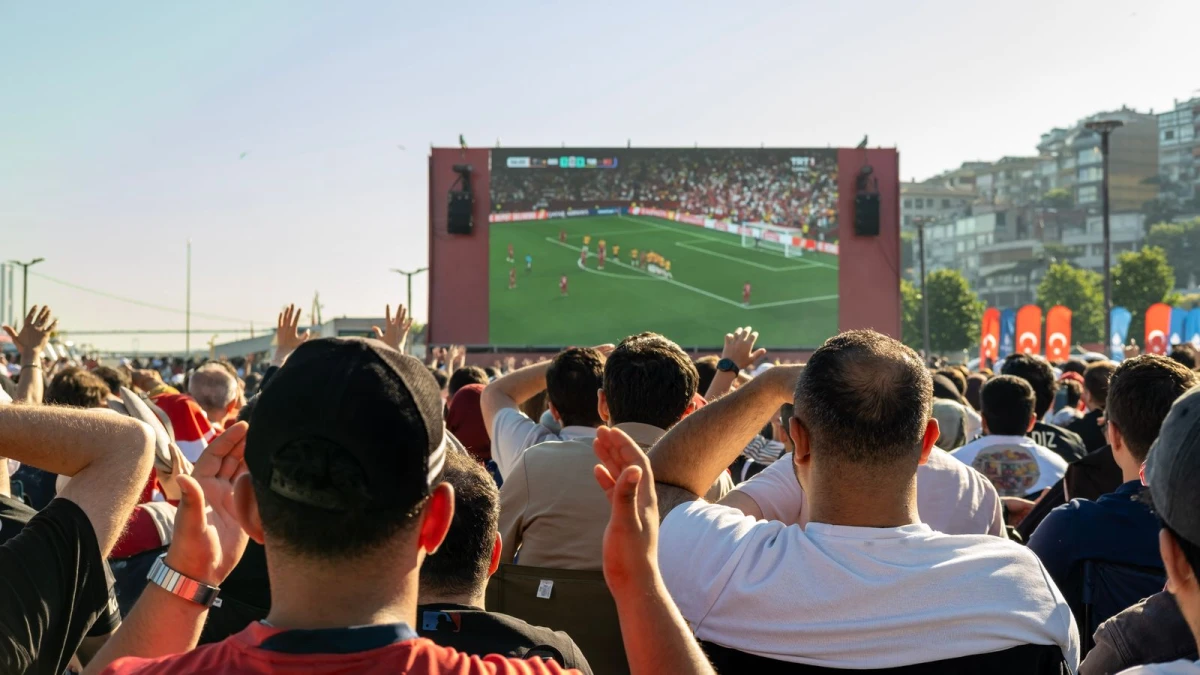
If a stream stutters during the test, do not write the whole service off instantly; sometimes the fix is at your end. Our guide to IPTV buffering during live football shows how to tell a provider problem from a home-network one in about two minutes.
How Long Does an IPTV Trial Last?
Most IPTV trials run between 24 and 48 hours, which is enough to test one or two peak evenings. Some providers offer a shorter one to two hour taster, while others extend a couple of days on request. Length matters less than timing: one evening on a live match tells you more than three quiet afternoons.
| Trial length | Best for | What to do with it |
|---|---|---|
| 1 to 2 hours | A quick quality check | Test one live match at peak time |
| 24 hours | Most providers | Cover one busy evening fully |
| 48 hours | Confident providers | Test two evenings and multiple devices |
A provider willing to give you 48 hours is quietly telling you it expects to pass. Treat a longer trial as a small vote of confidence, then still test it hard.
Free Trial or Paid Trial: Which Should You Trust?
A free trial is the standard and the one to expect; a small refundable paid trial can also be fine, but never pay a full subscription just to “try” a service. The line that matters is simple: you should be able to judge the streams before committing real money.
Some providers ask for a token amount to filter out time-wasters, then credit it against your first month. That can be reasonable. What is never reasonable is a service that demands a full non-refundable payment before showing you a single stream. When you are comparing your options properly, our guides to the best IPTV service and, for American viewers, the best IPTV USA picks both weigh trial availability as a core factor.
How Do You Start an IPTV Trial in Minutes?
Message the provider, get your temporary login, install a player app, enter the details, and open a live channel. From first contact to first stream is usually under ten minutes, and most of that is just installing the app the first time.
- Request accessAsk the provider for a trial. Englatica sets one up over WhatsApp in minutes through the IPTV free trial page.
- Install a playerOn Firestick or Android, IPTV Smarters Pro is the easiest start. Our IPTV Smarters Pro guide walks it screen by screen.
- Enter your loginType in the username, password, and server URL you were sent. The short how to setup IPTV guide does it in four steps.
- Open a live channelStart a busy match and begin your fifteen-minute peak-time test.
IPTV Trial: Quick Answers to Common Questions
Are IPTV trials really free?
Most reputable providers offer a genuinely free trial, since it is their best sales tool. A few ask for a small refundable amount to deter time-wasters and credit it to your first month. Either way, you should never pay a full subscription just to test the streams.
How long does an IPTV trial last?
Usually 24 to 48 hours, though some offer a quick one to two hour taster and others extend on request. What matters more than length is testing during one busy evening on live sport, which reveals stream quality far better than several quiet daytime hours.
Do I need to pay before an IPTV trial?
You should not have to. A proper trial lets you watch the real streams before any commitment. If a provider demands a full, non-refundable payment before showing you a single channel, treat that as a warning sign and look elsewhere.
What should I check during an IPTV trial?
Picture quality at peak time, stream stability over fifteen minutes, whether your specific channels are present, that your own device works, and how fast support replies. Run the test at 8 to 10pm on a live match for an honest result.
Can I get an IPTV trial on a Firestick?
Yes. Install a player like IPTV Smarters Pro on the Firestick, enter your trial login, and stream straight away. The Firestick is the most popular trial device because it is cheap and takes only minutes to set up from scratch.
Making the Most of Your IPTV Trial
A trial turns a gamble into a decision. Test it at peak time, on your real device, during a live game, and let the picture speak for itself. Ten honest minutes beat a week of comparing sales pages, and the provider that welcomes the test is usually the one worth keeping.
Ready to pick a plan once the trial convinces you? Our breakdown of IPTV plans shows exactly what each tier includes and what a fair price looks like.
For the shortest window providers offer, see what a 2 hour IPTV trial can realistically prove in 120 minutes.
Test the streams yourself before you pay a cent
Start Your Free Trial